A practical map-reading and planning guide for the island, its recognizable facilities, resident routes, and the difference between official facts and unverified unlock claims.
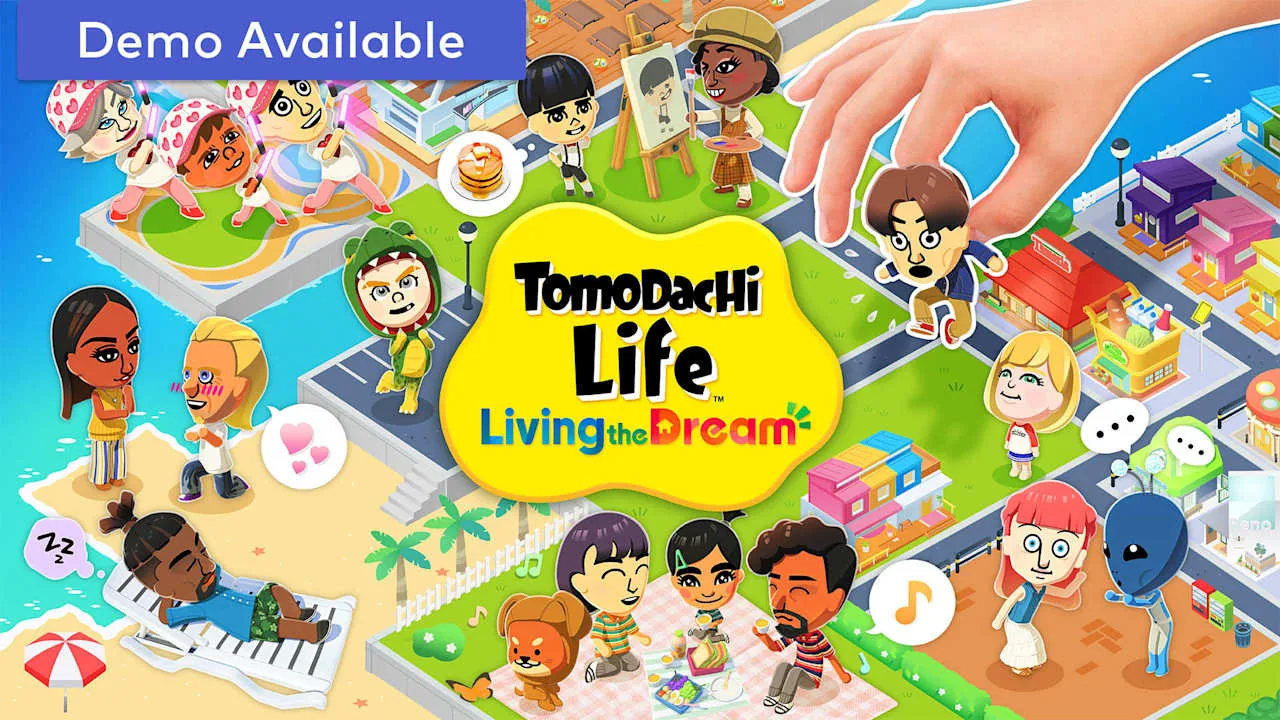
Official Nintendo store key art. Used as real game media, not an AI recreation.
Best starting rule
Keep homes, daily shops, and social spaces easy to scan instead of chasing a perfect decorative layout.
What is verified
Nintendo describes a customizable island and separate save islands for each system user; official store screenshots show residential, shopping, news, beach, and plaza areas.
What is not promised
This guide does not invent exact unlock days, hidden building requirements, or a universal best island layout.
How the island works
Your island is the main stage where Mii residents live, shop, meet, and trigger small stories. The safest way to understand it is by function: homes hold the cast, service buildings support daily tasks, public spaces create encounters, and decorative routes help you notice activity quickly.
Nintendo confirms that each user on the same console has separate save data and a separate island. That means there is no single shared household island to optimize for everyone; each player can build and observe their own version.
Read the island by zones
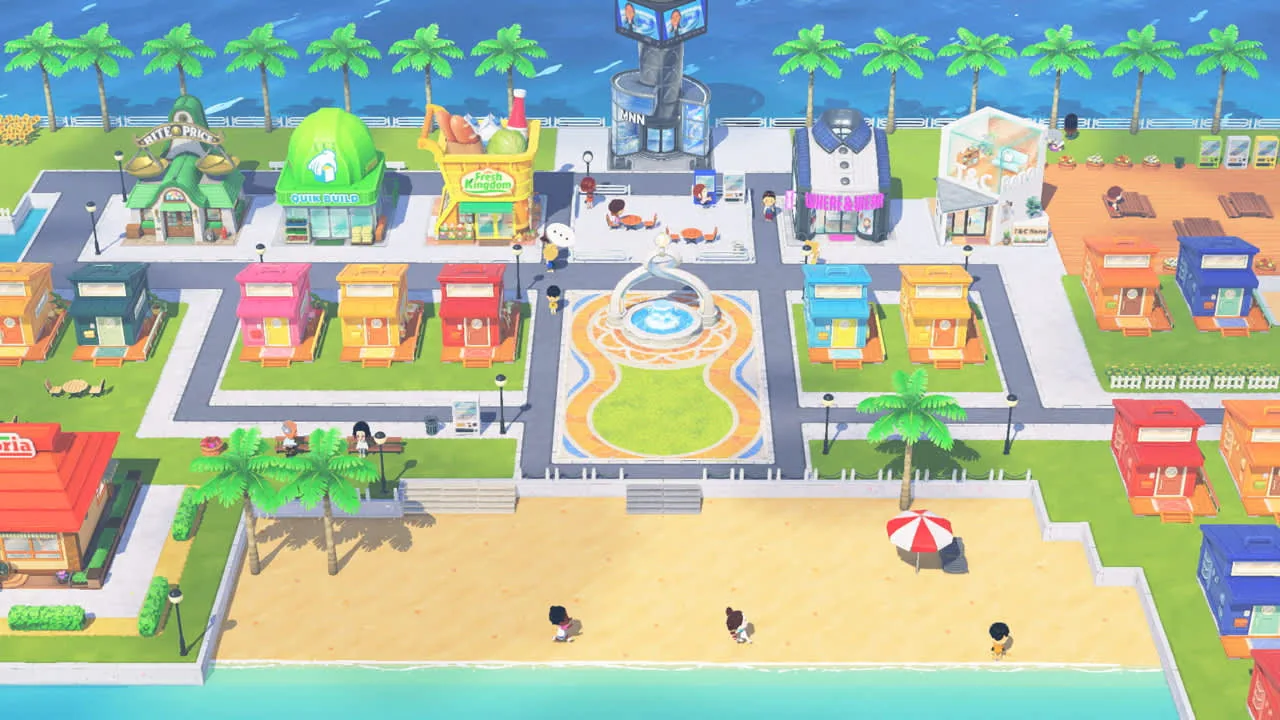
The official store screenshots show a compact town built around recognizable zones rather than a giant open world. A practical route starts at resident homes, passes the central fountain and shops, checks the news area, and ends at the beach or quieter public spaces.
Use landmarks, color, and short loops. If you can identify where residents live, where food and clothing are handled, and where groups gather, the island becomes easier to check without memorizing every icon.
Official Nintendo store screenshot showing the island layout and multiple facility types.
Buildings and facilities: what to prioritize
Searches often ask for every building or an unlock list, but official public pages do not document a complete universal unlock schedule. Treat any exact day count or hidden requirement from an unsourced guide as provisional until you see it in your own game or Nintendo publishes it.
For planning, prioritize function instead of completion order: resident access, food and clothing stops, social gathering areas, news or information points, and open space for future changes.
Facility group
Why it matters
Planning cue
Homes and apartments
Resident activity and requests
Keep the area easy to scan
Food and shopping
Gifts, clothes, and daily errands
Group frequent stops
Plaza and fountain
Social meetings and visible activity
Use as the route center
News and public services
Events and information
Check after resident requests
Beach and open areas
Quiet encounters and visual space
Leave room for change
A fast daily island check
A consistent route is more useful than constantly redesigning. Start with visible resident requests, then check the central facilities, follow any active scene, and finish with optional decoration or photo work.
If the island feels busy, reduce the number of decisions per visit. Record only what changed: a new resident, relationship event, facility, gift need, or layout idea.
1
Scan homes first
Look for resident icons, requests, sleep bubbles, or unusual activity.
2
Walk the central loop
Check the fountain, shops, and information buildings in one pass.
3
Follow social signals
Prioritize groups, speech bubbles, and event markers over decorative tasks.
4
Save design changes for last
Move or decorate only after time-sensitive interactions are complete.
Plan for residents, relationships, and growth
Island planning is tied to your roster. A smaller cast is easier to monitor, while a larger cast creates more possible friendships, conflicts, and family stories. Keep space for future residents instead of filling every idea immediately.
Use the character limit guide for roster capacity, the relationships guide for marriage and children, and the Mii sharing guide for safe character-creation boundaries. Those intents are separate from this layout guide, so the pages support rather than compete with each other.
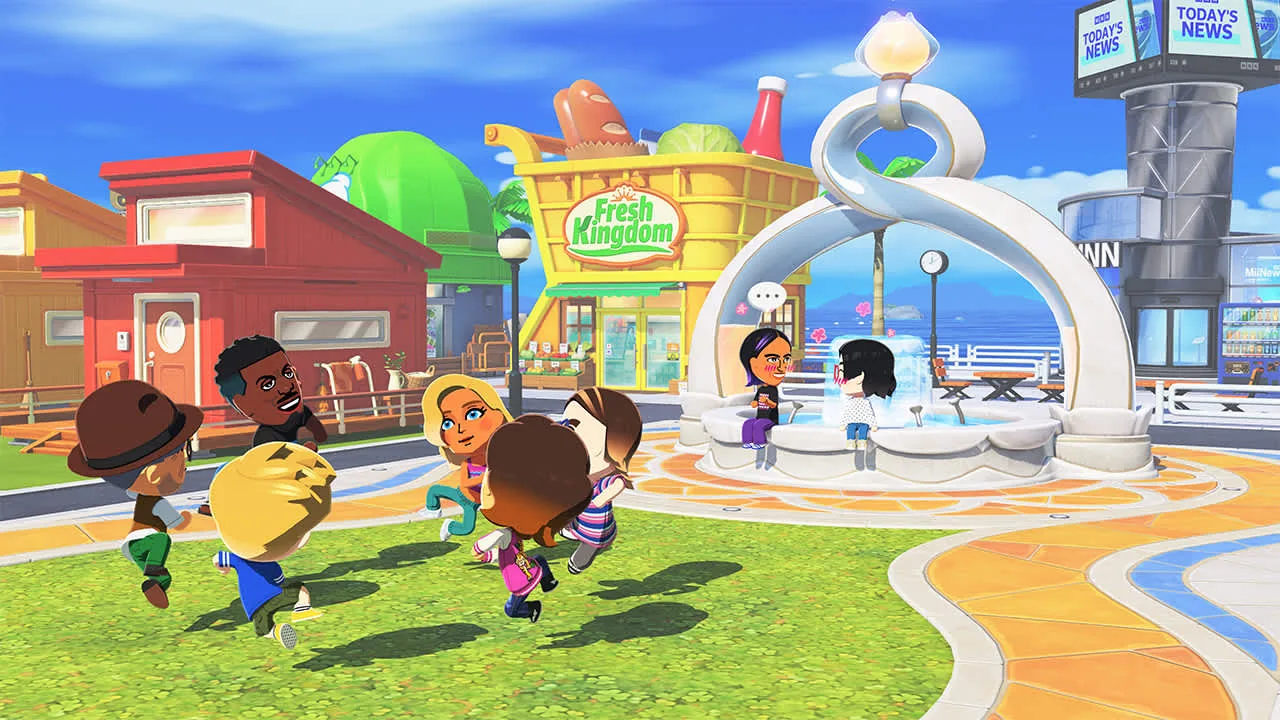
Official Nintendo store screenshot showing a busy plaza route and social gathering space.
Version and source boundaries
The current verified software version is Ver. 1.0.4 from July 23, 2026. Its public notes focus on save-data safety, progression errors, Mii poster displays, and general stability; they do not publish a new building-unlock chart.
Use official store screenshots for what the game visibly contains, Nintendo Support for save and update rules, and your own play for timing. Avoid ROM, NSP, save-file, emulator-pack, or executable “unlock” downloads.
Frequently asked questions
How many buildings are in Tomodachi Life: Living the Dream?
Nintendo’s public store and support pages show many facility types but do not provide a complete official building count. Use screenshots and in-game discovery, and treat exact third-party totals as version-sensitive.
Is there a best island layout?
No universal layout is proven best. A short daily route, readable residential zone, central services, and room for future residents are more useful than a decorative layout that is hard to scan.
How do I unlock every building?
Follow normal progression, resident requests, and in-game prompts. This guide does not publish unsourced day counts or hidden requirements because Nintendo has not provided a complete public unlock schedule.
Can users on one Switch share the same island?
No. Nintendo’s FAQ says save data and islands are created separately for each registered user on the system.
What should I check first each day?
Check homes and resident requests, then the plaza and daily shops, then news or public facilities, and leave decoration for the end.
What is the latest verified version?
Nintendo Support lists Ver. 1.0.4, released July 23, 2026, as the latest update checked on July 25, 2026.